


Admin Dashboard
Track services, testimonials, contact messages, unread leads, and recent updates from a permission-protected admin area.
View Features
Content Control
Edit site settings, services, testimonials, blog posts, categories, templates, images, SEO fields, and homepage sections.
Manage Content

Secure Access
Use admin login, read-only demo mode, roles, permissions, protected system records, and Super Admin safety checks.
See Access ToolsAdmin Core
- Admin Login
- Dashboard Stats
- Recent Messages
- Preview User Mode
- Responsive Navigation
Content Suite
- Services CRUD
- Blog Editor
- SEO Settings
- Image Uploads
Operations
- Lead Inbox
- Notifications
- User Roles
- Arabic Support
- Reset Tools
Everything Your Team Can Control
CG CMS is built around practical admin work: update the public site, publish content, handle enquiries, manage access, localize pages, and keep the system clean.
Branding & SEO
Set title, author, app name, meta description, theme color, logos, top bar details, hero copy, and footer content.
Homepage Sections
Control hero images, about ratings, service headings, testimonial headings, contact details, and bottom CTA buttons.
Services & Proof
Create service cards with ordering, icons, anchors, CTAs, uploads, gradients, and featured placement for the homepage.
Testimonials
Manage ratings, ordering, authors, company names, avatar uploads, translations, and default-locale fallbacks.
Blog Publishing
Enable the blog, write rich posts, filter drafts, schedule dates, validate slugs, set excerpts, and add featured images.
Lead Handling
Store contact submissions with sender data, IP, user agent, unread status, inbox search, filters, and message actions.
Users & Roles
Create users, assign roles, change passwords, protect system permissions, and prevent last Super Admin removal.
Localization
Support English and Arabic with enabled languages, RTL detection, translated CMS fields, and fallback content.
Built for Real CMS Work
The admin area is not just for editing pages. It covers publishing, leads, notifications, team access, multilingual content, and controlled maintenance.
Preview ScreensNotification Engine
Email recipients, templates, localized HTML bodies, event mappings, assigned templates, and contact-form notifications are managed from admin.
Public Blog Experience
Visitors get a blog index with category filtering and pagination, plus detail pages with suggested posts and template token replacement.
Safe Preview & Admin Modes
Preview users can explore in read-only mode while permission checks protect dashboard pages, admin actions, and system-level records.
Reset & Re-seed Tools
Maintenance screens show data counts, require a confirmation phrase, reset CMS records, and restore default frontend and admin data.
Frequently Asked Questions
What can admins manage?
Admins can update services, testimonials, blog content, notification templates, users, roles, permissions, and global site settings from one protected dashboard.
Does it support blog publishing?
Yes. CG CMS includes categories, post drafts, scheduled publishing, CKEditor content, featured images, SEO metadata, pagination, and suggested posts.
How are contact leads handled?
Every public form submission is saved with sender details, IP address, user agent, spam honeypot checks, read status, search, filters, and delete controls.
Can notifications be customized?
Email recipients, event mappings, active states, localized templates, subjects, HTML bodies, and placeholder tokens are all managed inside the CMS.
Is Arabic supported?
English and Arabic are supported with an admin language switcher, RTL detection, translatable fields, enabled languages, and default-locale fallback behavior.
What happens during a CMS reset?
The reset page shows counts, asks for a confirmation phrase, clears CMS data, and re-seeds default frontend, admin, and notification records.

CG CMS keeps day-to-day publishing clear, controlled, and fast, while giving admins the safeguards they need.
Content Manager
Publishing Team
Services, testimonials, blog posts, leads, and settings finally live in one place with simple permissions.
Site Admin
Operations Team
The Arabic workflow, localized templates, and fallback behavior make multilingual updates much easier to manage.
Localization Lead
Regional TeamCMS Screenshots
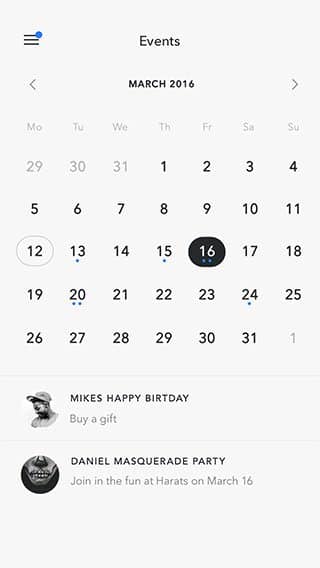
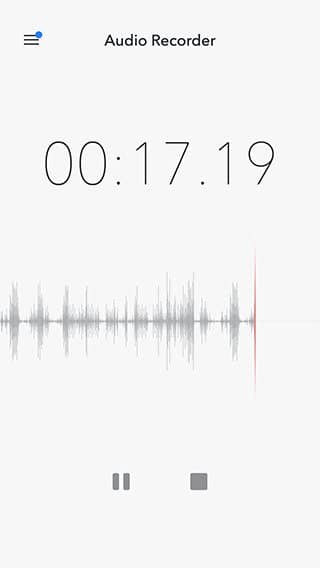
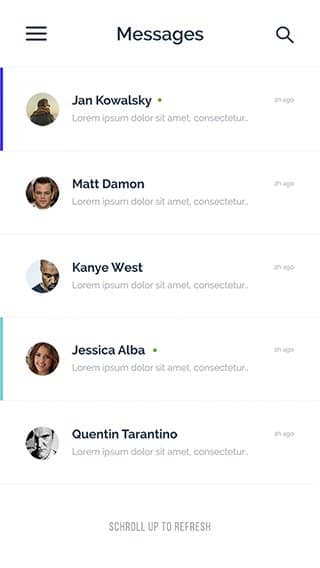
Preview the admin experience for publishing, settings, leads, access control, and localized content.
View All
Site Settings
Manage branding, SEO, header details, logos, hero content, contact blocks, footer copy, and localization defaults.
Content Builder
Create, order, feature, and translate services and testimonials with icons, CTAs, images, gradients, and author details.
Blog Workflow
Publish posts with categories, search, draft filters, slugs, CKEditor, reading time, scheduled dates, and custom templates.
Lead Inbox
Capture contact messages with spam protection, unread badges, search, read toggles, message details, and delete controls.
Access Control
Create users, roles, and permissions with admin flags, password changes, system protections, and Super Admin safeguards.
Notifications
Configure recipients, templates, localized email content, event mappings, placeholders, and contact-form notifications.